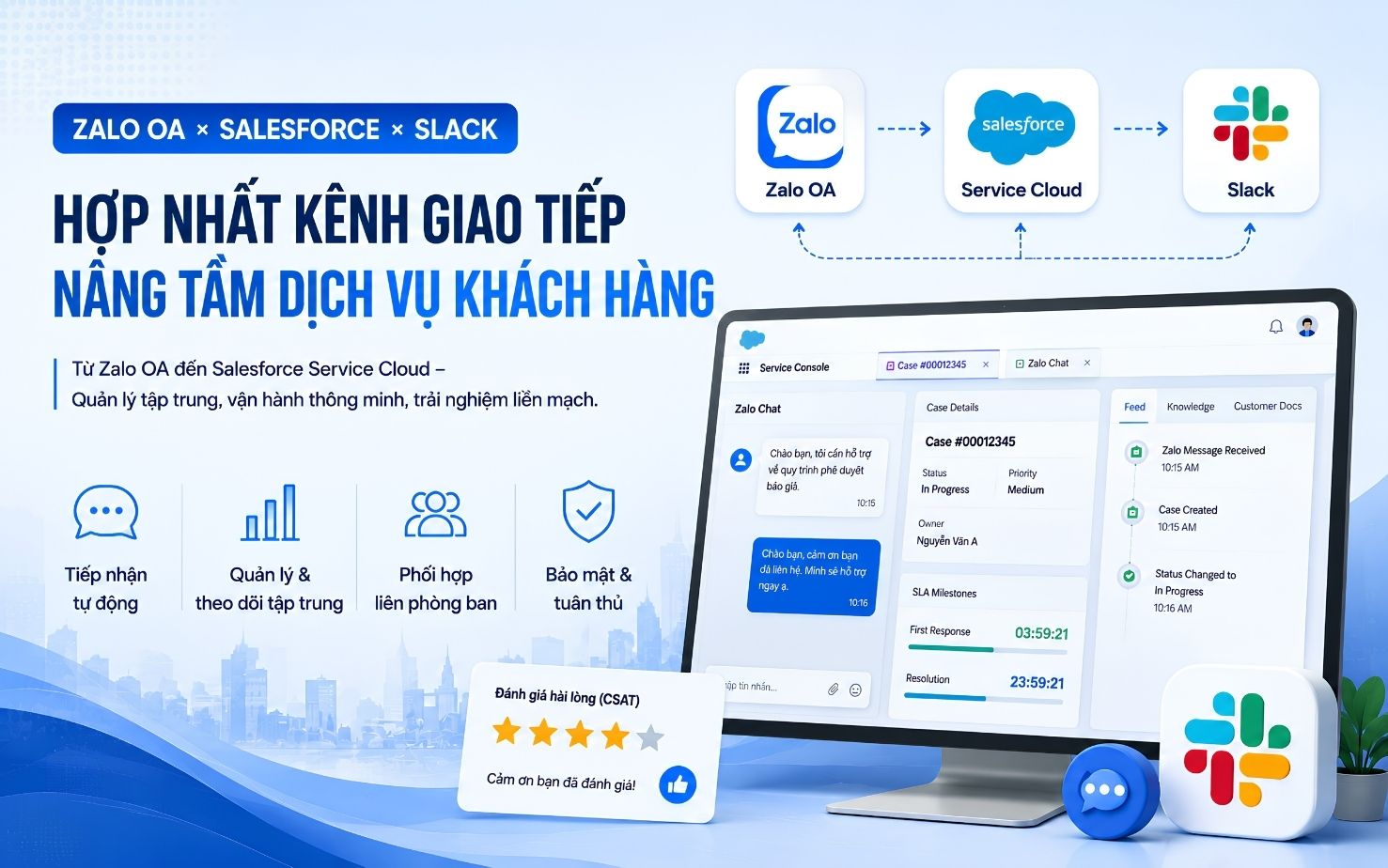
When people hear about Slack, many immediately think of it as a simple chat application where people send messages, share GIFs, and exchange documents. This is not wrong, but to truly understand and unlock the full potential of Slack, we need to view it at a higher level: as a centralized work and collaboration platform.
So, what is the core difference that makes Slack more than just a regular chat tool?

1. Smart Work Organization: Channels Instead of Cluttered Messages on Slack
This is the biggest difference and also the “soul” of Slack. While traditional chat applications usually organize conversations in a linear way, making them easy to lose track of and difficult to search later, Slack solves this problem by organizing all discussions into specifically named Channels based on topics, projects, or departments.
- Are you working on Project A? All information and files are neatly stored in the #project_A channel.
- Do you want to discuss Marketing? Everything takes place in the #marketing channel.
- Do you need a private space to discuss sensitive matters? Simply create a private channel for the relevant members only.
As a result, information is not scattered, new members can easily catch up on project history, and you no longer have to spend time searching for an important file among hundreds of old messages.hời gian tìm kiếm một file quan trọng trong hàng trăm tin nhắn cũ.
2. The Power of Integrations: Turning Slack into a Work Management Hub
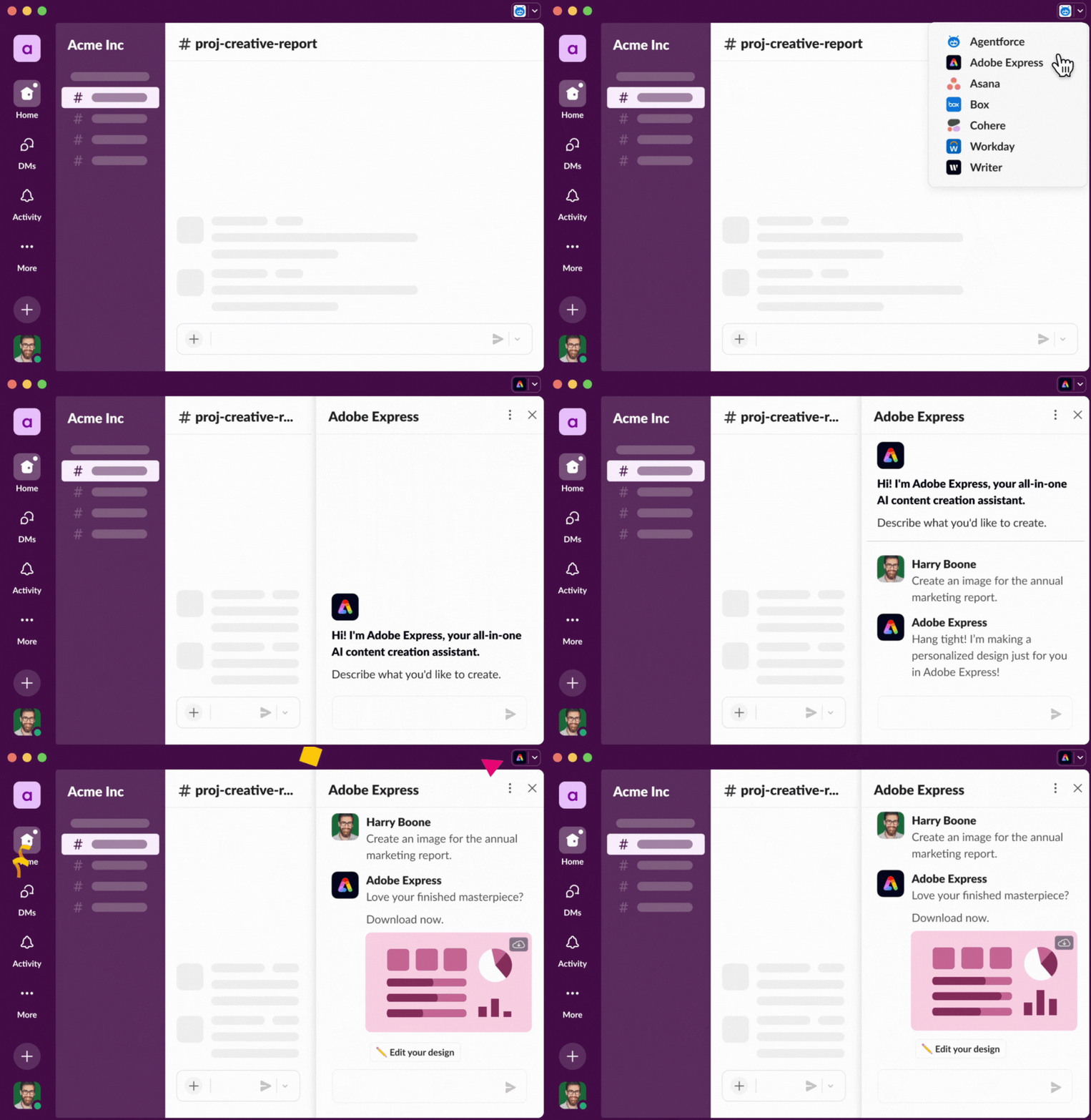
A simple chat tool only helps you communicate. Slack is different. It is an open platform that can integrate with thousands of popular workplace applications. This is what transforms Slack into the “brain” of a team.
Imagine this:
- You do not need to open Trello to check for new tasks because Slack notifies you directly in the project channel.
- You do not need to send Google Drive links via email because you can share and preview documents directly within Slack.
- You can start a Zoom or Google Meet video call with a simple command right inside the discussion channel.
With thousands of available integrations, Slack helps connect all the tools you use, creating a seamless and efficient workflow while reducing the need to switch between multiple applications..
3. Organizing In-Depth Discussions with Threads

If Channels help organize major topics, Threads are the tool for managing detailed discussions within a specific message.
When a message is posted in a channel and multiple people want to comment, instead of replying directly and pushing other messages down, you can simply click “Start a thread.” All related comments, questions, and answers are grouped together in one place, keeping the main channel clean and easy to follow.
Benefits of Threads: Discussions remain organized, the main channel stays uncluttered, and only important information is highlighted. You can also follow specific Threads that interest you without having to read every message in the channel.
4. Superior Search: No More “Lost Files, Lost Messages”
Have you ever tried to find a Word document that was shared three weeks ago in a chaotic group conversation?
Slack’s search system is designed to solve exactly this problem. You can:
- Search by keyword.
- Filter by sender.
- Filter by file type (images, documents, code, etc.).
- Filter by date.
This feature ensures that every piece of information, from an important decision to a document file, can be found easily, saving teams a significant amount of time and effort.
Conclusion
Slack is not just a chat tool; it is an intelligent workplace platform. It helps reorganize how your team communicates, integrates all essential tools into a single location, and makes information retrieval much easier.
If you are looking for a solution to improve team productivity, reduce clutter, and maintain greater focus on shared goals, consider Slack an essential tool for building an efficient and professional work environment.